Word & PDF Export: No More Reformatting the Night Before the Board Meeting
Last updated: August 6, 2026
Writing the narrative is only half the job. The other half — the part nobody budgets time for — is getting it into a format you can actually hand to the board without it looking like it was assembled at midnight. Copy the executive summary into the deck. Rebuild the variance table because the paste broke the formatting. Re-export the chart because the colors didn't survive the copy. Fix the font that reverted to Calibri for no reason anyone can explain.
It's not hard work. It's just the kind of work that eats an extra hour right when you're out of patience for it.
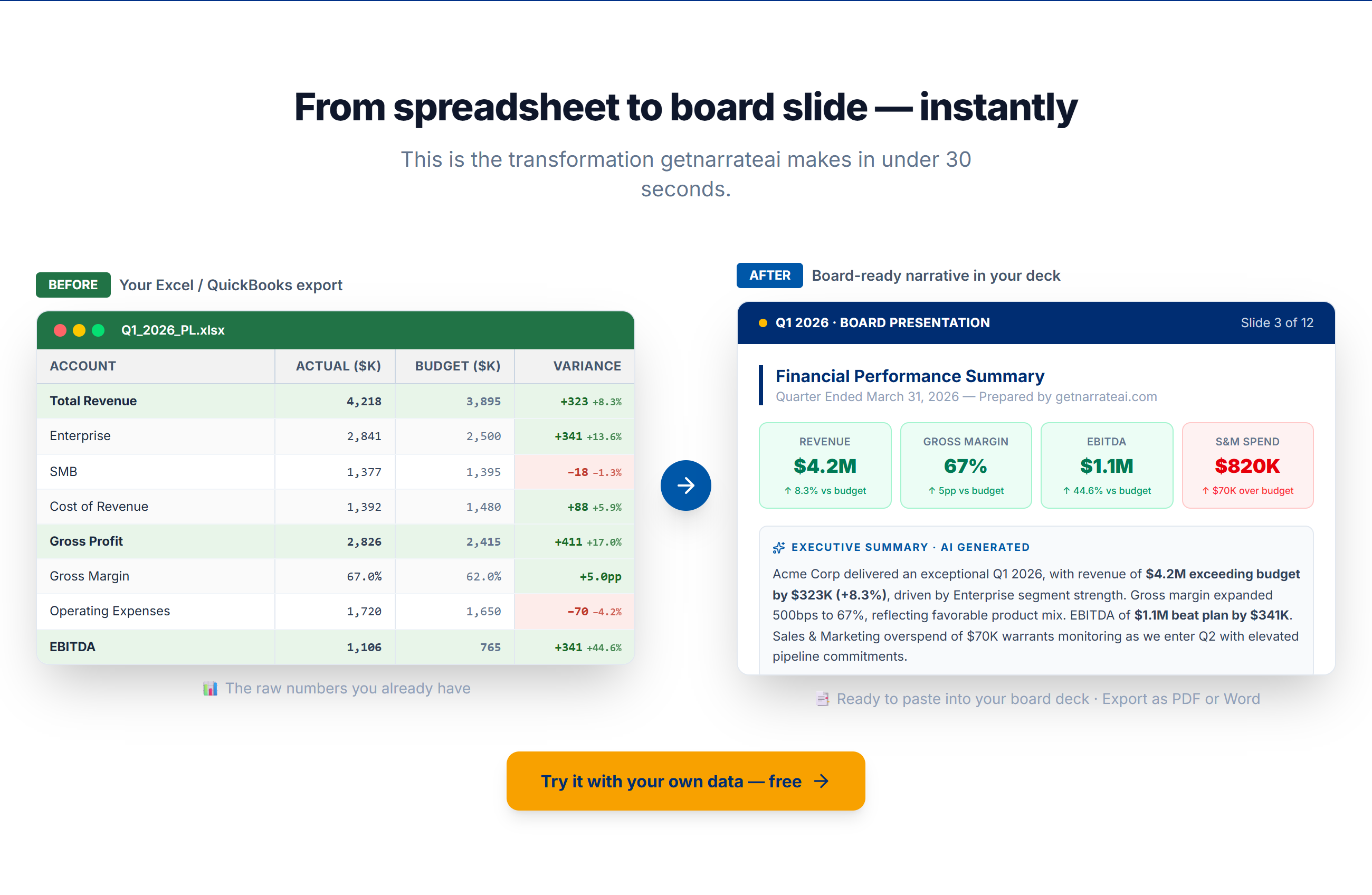
Same data, formatted for the board deck — ready to export as PDF or Word.
What export needs to actually deliver
A report export is only useful if it arrives in a state you can present or forward without touching it again — correct formatting, charts that render properly, and a document structure your board already recognizes, not something that needs translating into your usual template first.
How getnarrateai handles it
getnarrateai exports two ways. The Word export produces an editable .docx with metric cards and full variance tables, formatted and ready to drop into whatever deck template you already use. The PDF export renders the complete report — including the real recharts charts, not static placeholders — and lets you save or print it directly from the browser. Both are one click, and both come out of getnarrateai looking the same as the report you just reviewed on screen, because they're generated from the same data, not re-typed into a second tool.
It's a Starter-plan feature, alongside direct QuickBooks and Xero connections — the two things that turn getnarrateai from "a good first draft" into "the actual document you send."
Related: how connecting QuickBooks or Xero feeds this whole pipeline in the first place. Or try the export yourself at getnarrateai.com.