Key Metrics Snapshot: Same Numbers, Calculated the Same Way, Every Time
Last updated: August 6, 2026
Here's a quiet failure mode that shows up in a lot of hand-built board decks: gross margin is calculated one way in January's tab, and a slightly different way in February's, because the formula got copied from a different sheet, or a category got reclassified, or whoever built this month's version just did it slightly differently than last month's person. Nobody notices until a board member asks why margin "improved" and the honest answer is that the formula changed, not the business.
That's the kind of thing that erodes trust in a finance function fast, and it's almost always an accident of manual process, not analysis.
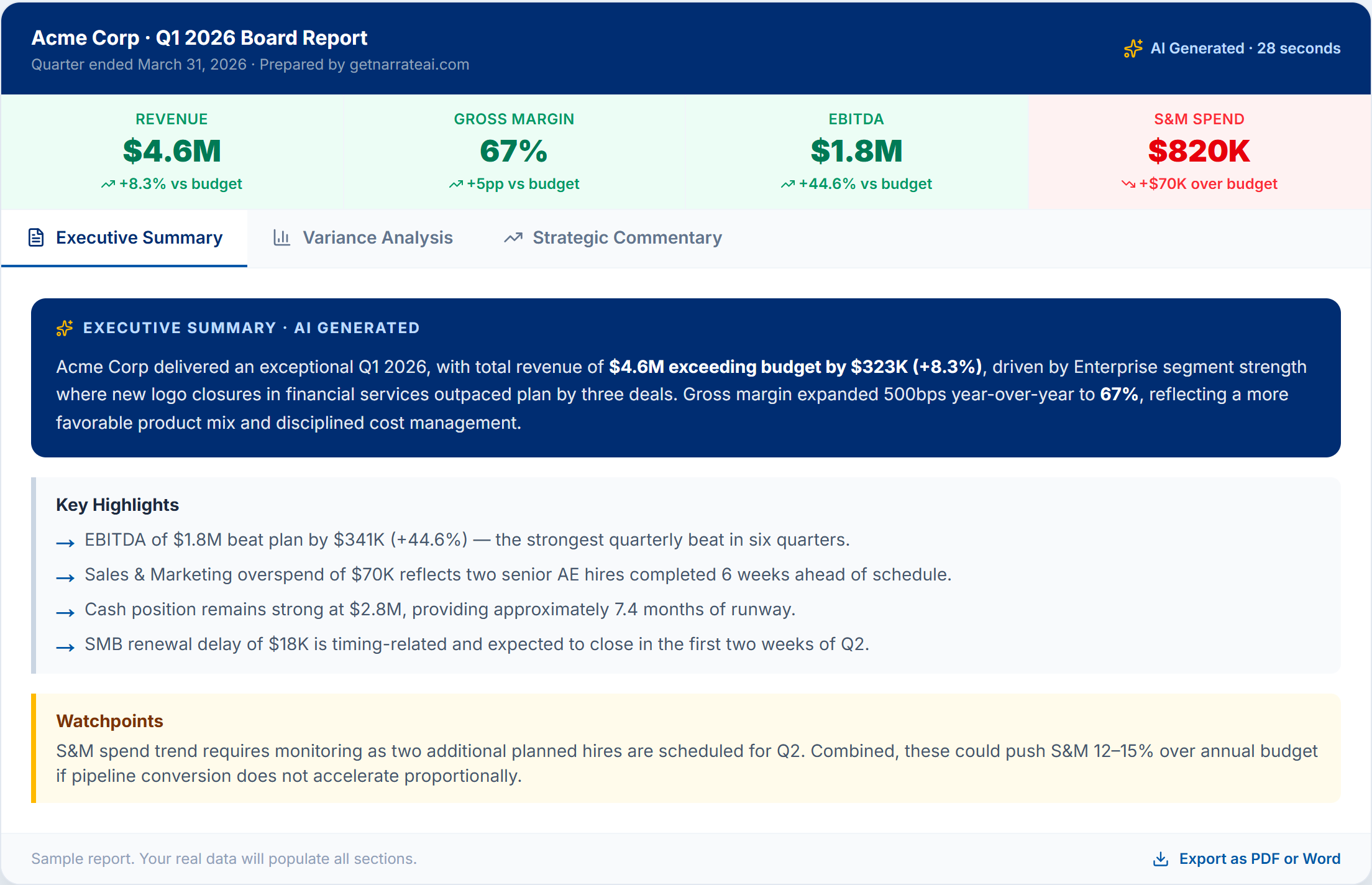
The metrics strip at the top of every report — same formulas, same trend logic, every time.
What a metrics snapshot needs to do
A board-level metrics section needs a small set of numbers — revenue, gross margin, EBITDA, burn rate, whatever's relevant to the business — calculated the same way, period over period, with a clear directional signal (up, down, flat) relative to budget or prior period. It should be scannable in ten seconds. It should also, critically, be trustworthy: the same input data should always produce the same output number.
How getnarrateai handles it
getnarrateai auto-calculates key metrics directly from your P&L data every time a report is generated — the same formulas applied consistently, whether it's your first report or your fiftieth. Each metric ships with a trend indicator (up, down, or neutral) computed against whatever comparison you've selected, so the color-coding on the card always means the same thing it meant last month.
It's available on every plan, including free, because it's the foundation everything else in the report — the executive summary, the variance commentary — is built on top of.
See it alongside the full report at getnarrateai.com/demo, or read about how the executive summary uses these same numbers.